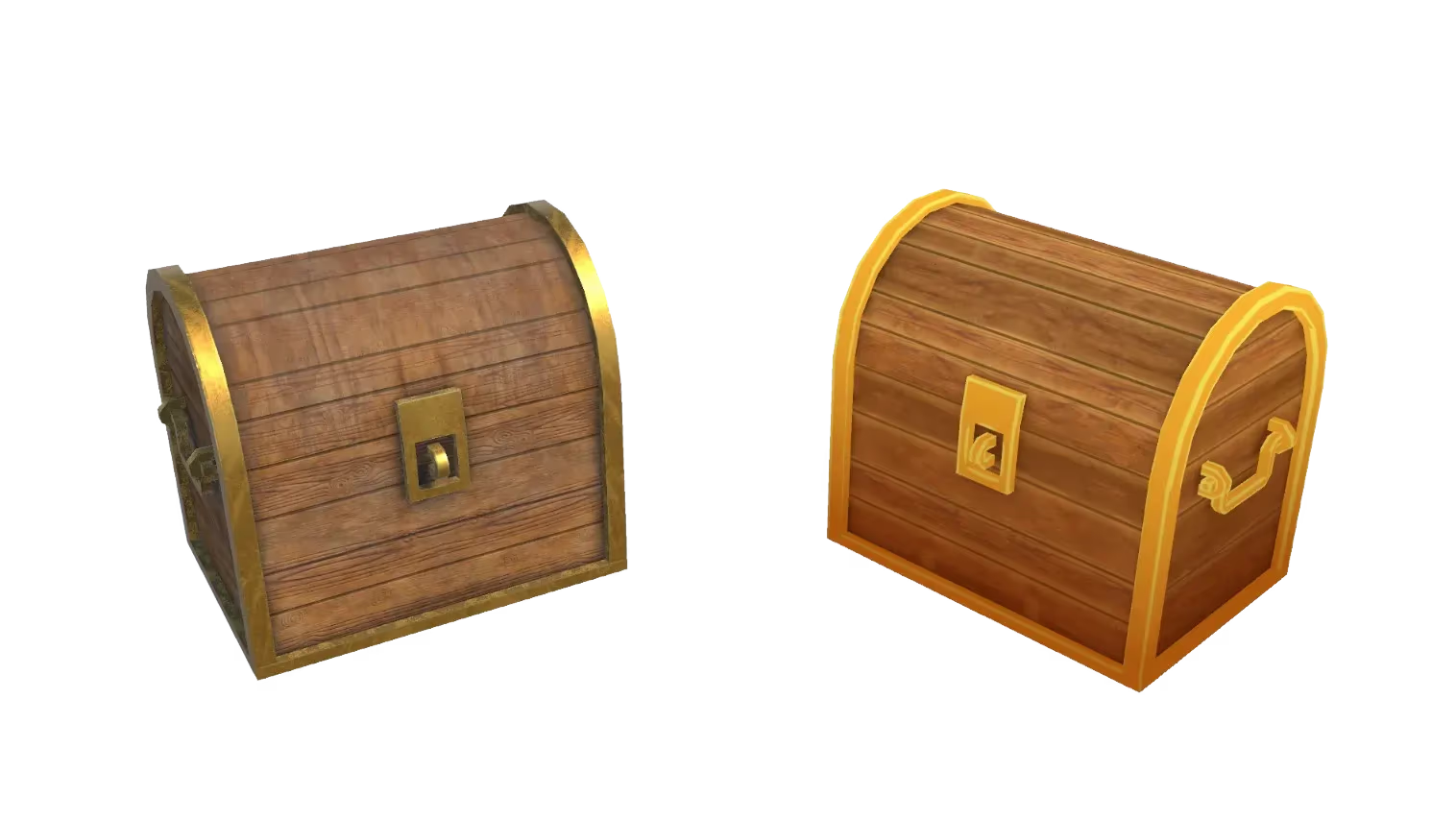
Upscale and Enhance Images: AI Quality Booster
Improve image quality and resolution with AI. Sloyd's upscaler sharpens details and enhances clarity in seconds. Perfect for preparing images for 3D conversion.
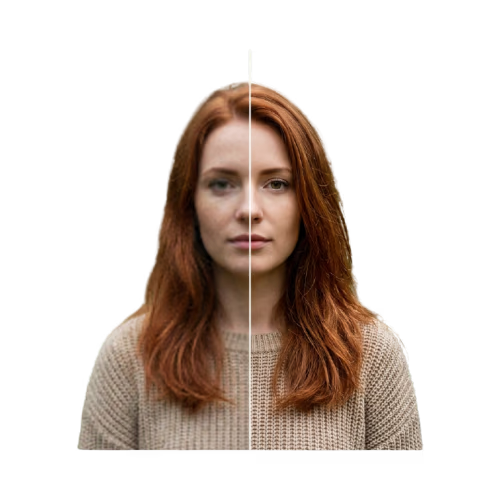
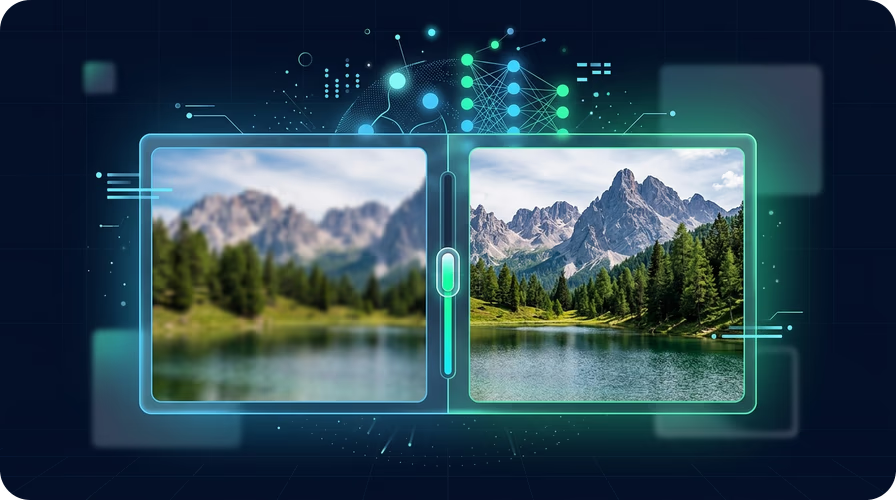
AI-powered image enhancement
Sloyd's AI upscaler analyzes your image and intelligently enhances resolution, sharpness, and detail. Colors stay accurate, edges stay clean, and the result looks natural. Works on photos, concept art, screenshots, and more.
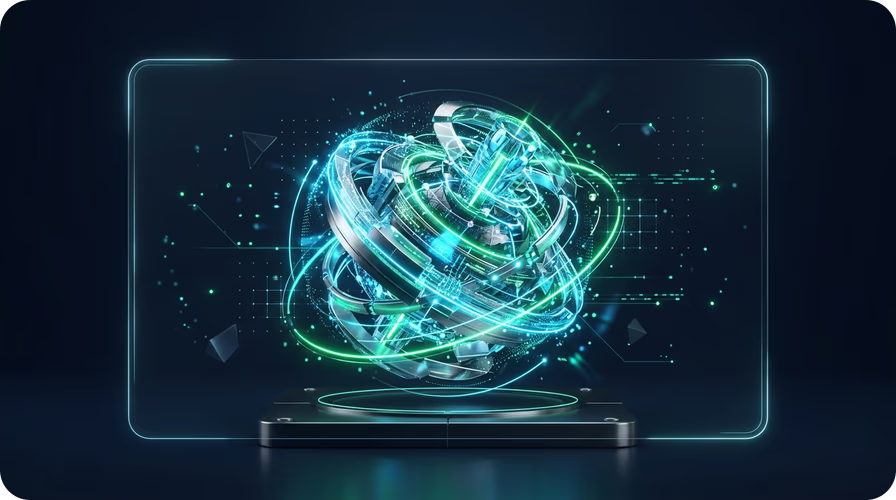
Better images mean better 3D models
Higher quality images produce better 3D models. Upscale your source image first, then use Image to 3D for sharper textures and more accurate geometry. Export as GLB, FBX, OBJ, or STL.
Sharper prints start with sharper images
Enhanced images produce cleaner, more detailed 3D prints. Upscale your photo before converting to a 3D model with Image to 3D Print. The extra detail translates directly to print quality.
How to upscale and enhance your images
- 1
1. Upload your image
Open the Upscale and Enhance app and upload the image you want to improve. JPG and PNG formats are supported. Works with photos, screenshots, concept art, and more.
- 2
2. AI enhances your image
Sloyd's AI analyzes your image and enhances resolution, sharpness, and detail. The process takes seconds and preserves the original content.
- 3
3. Download or convert to 3D
Download your enhanced image or use it directly with Image to 3D for better 3D model quality. The improved resolution makes a noticeable difference in 3D conversion results.
Frequently Asked Questions
What does Upscale and Enhance do to my image?
The AI enhances resolution, sharpens details, and improves overall clarity. It works best on photos that are slightly blurry, low-resolution, or taken in poor lighting conditions.
Should I upscale my image before converting to 3D?
Yes. Higher quality images produce significantly better 3D models. Upscaling before converting with Image to 3D gives you sharper textures and more accurate geometry.
Is there a minimum image size for upscaling?
The app works with JPG and PNG images of any resolution. However, extremely low-resolution images (under 100x100 pixels) may not produce ideal results.