
One-Click AI Image Transformation
Transform images with AI-powered apps. Create Roblox avatars, 3D-printable figurines, game assets & more. No technical skills needed, just upload & click.
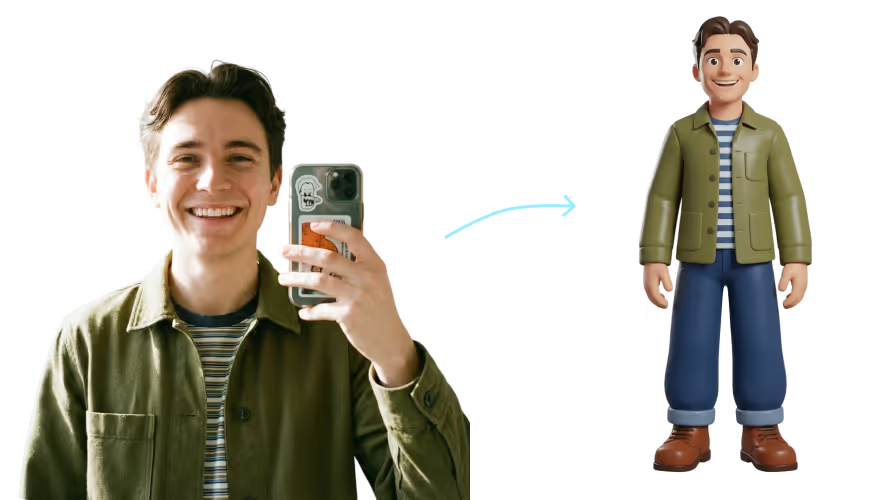
Pre-Made Apps for Every Creative Need
Browse our curated collection of AI-powered image transformation apps. Each app is designed for a specific use case, from creating 3D-printable figurines to generating game-ready characters.
No Complex Settings. Just Click and Transform
Every app comes pre-configured with optimized settings. Upload your image, click the app, and get professional results instantly — no technical knowledge required.
How to Use Apps for AI Image Transformation
1. Choose your app
Browse our Apps collection and select the transformation you want.
2. Upload your image
Upload your photo, selfie, or reference image. The app automatically applies the right settings.
3. Download and use
Get your transformed result in seconds. Download your 3D model or image and use it for printing, games, or personal projects.
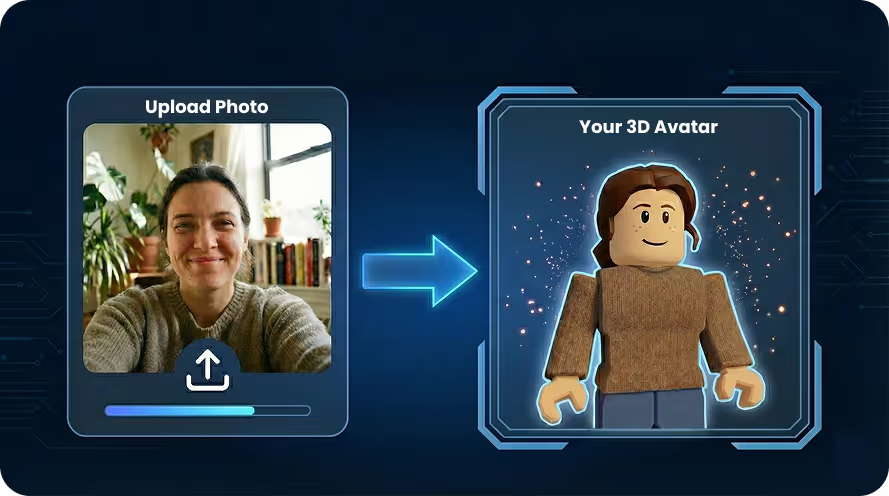
No more endless prompting
Transform your selfies into 3D characters with apps like Selfie to Roblox and Selfie to 3D Character. Perfect for personalized avatars, game characters, and digital collectibles.
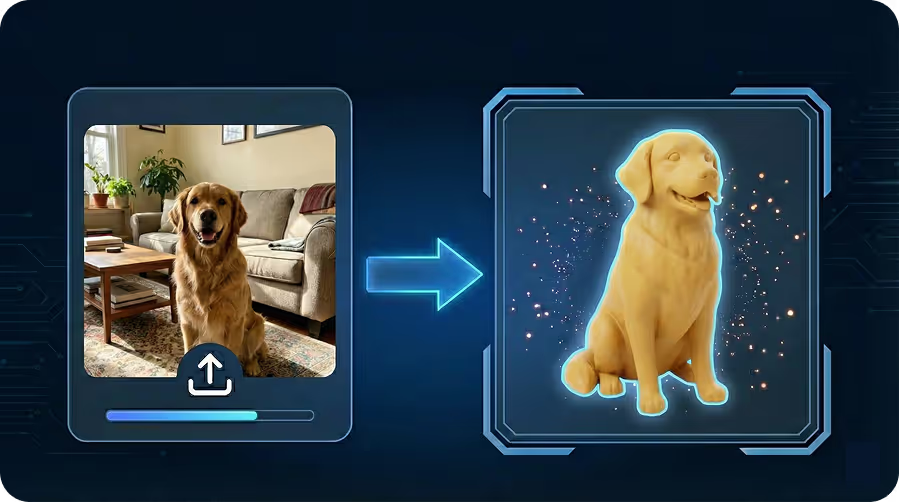
Instant results, just upload an image
Turn your pet photos into 3D-printable figurines, or create custom wedding cake toppers from couple photos. Bring your memories to life in 3D.
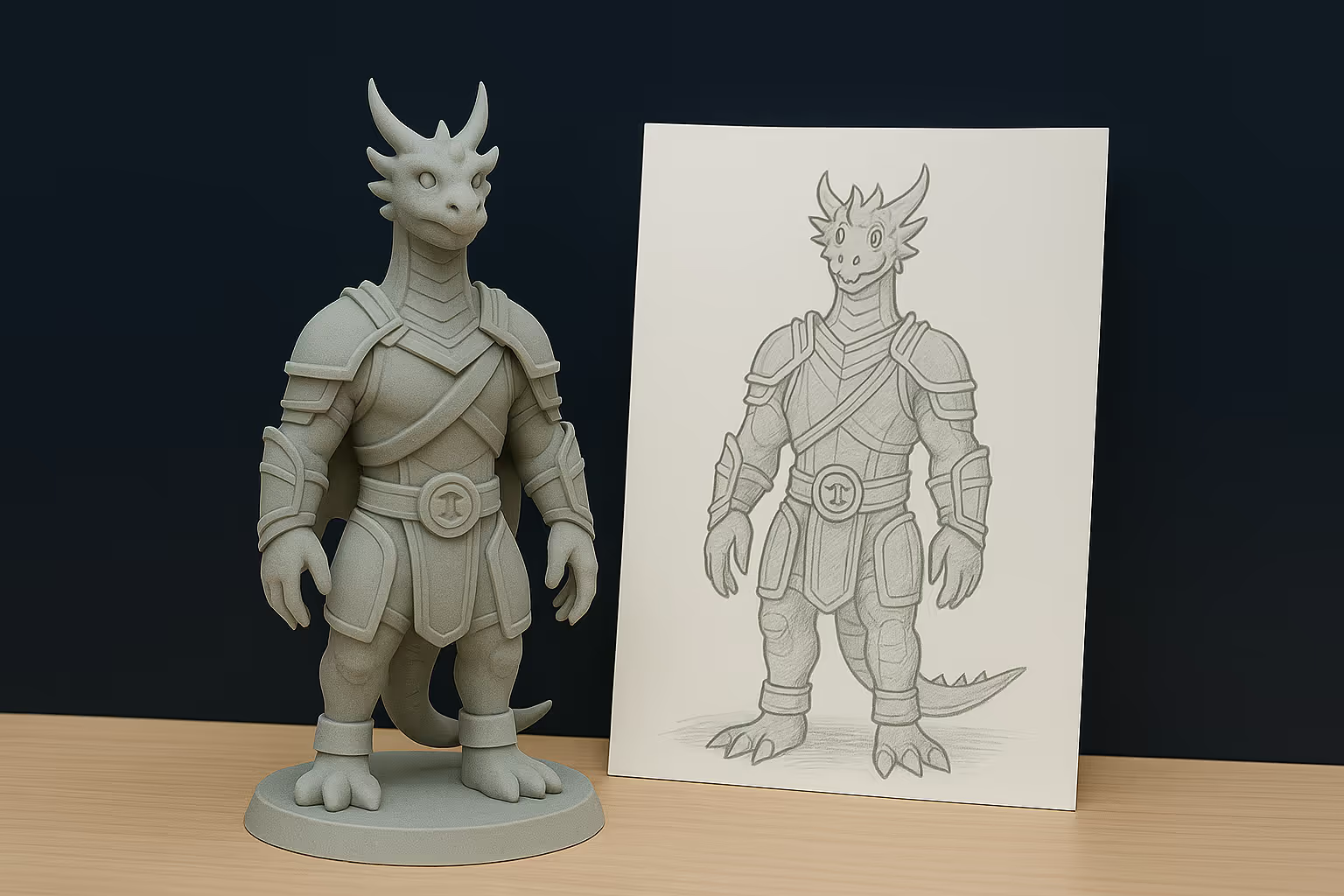
Improve your photos with AI and prepare for 3D print
Upscale and enhance images for better quality, or use Image to 3D Print to create stylized figurines. Add bases for 3D printing to make models print-ready instantly.
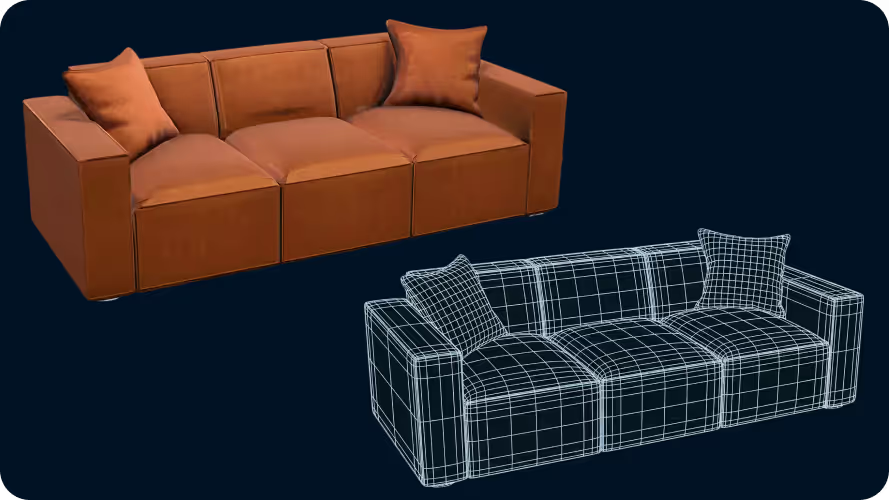
Generate game ready 3D assets from images
Generate game-ready assets with optimized geometry and textures. Our apps produce clean, efficient models that work in Unity, Unreal, Godot, and other engines.
Herramientas de IA diseñadas para cada flujo de trabajo
Apps de un clic para impresión de imagen a 3D, avatares, retexturizado y más. Cada una está ajustada para un caso de uso específico, así te saltas la ingeniería de prompts.
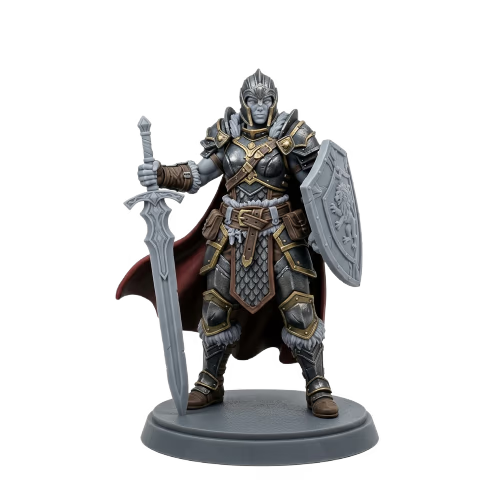
Image to 3D Print
Print anything you can photograph
Abrir app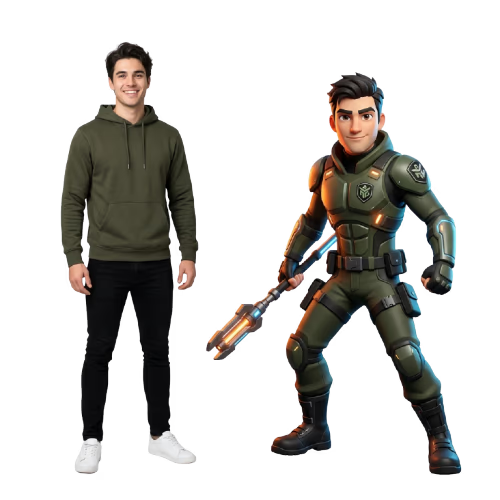
Selfie to 3D Character
Drop into any game as yourself
Abrir app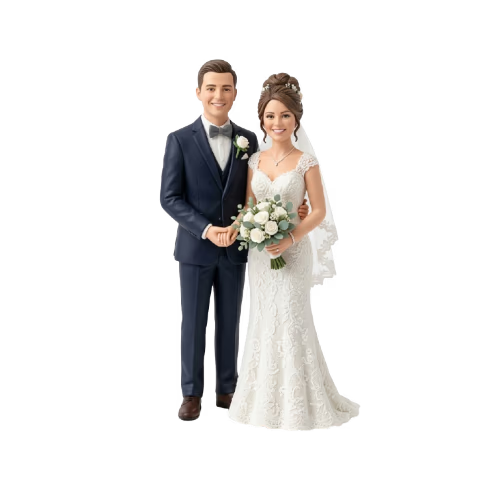
Photo to Wedding Cake Topper
The most personal topper ever made
Abrir app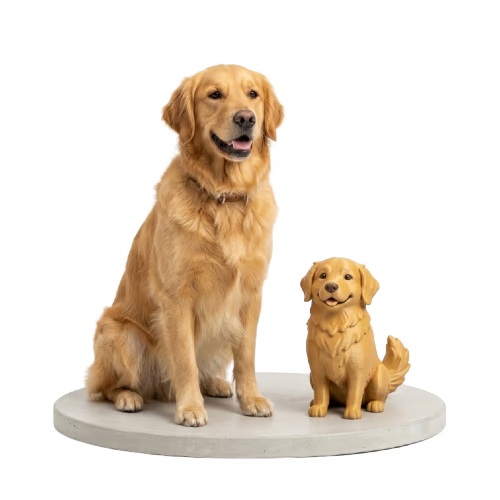
My Pet to Figurine
Your pet, forever on your desk
Abrir app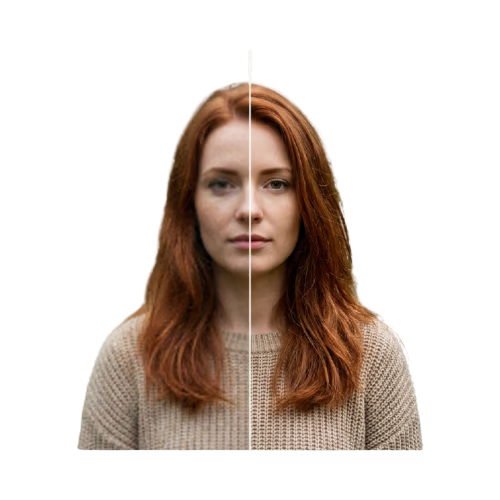
Upscale and Enhance
Rescue blurry or low-res photos
Abrir appAdd Base for 3D Printing
No more toppling prints
Abrir app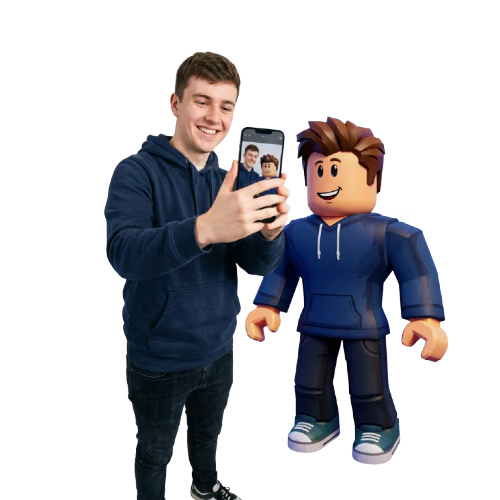
Selfie to Roblox
Play as yourself in Roblox
Abrir appTransform Your Image With AI, For Any Use Case
Use Sloyd Apps to quickly turn everyday images into avatars, products, figurines, game assets, and polished visuals.
New Apps Added Regularly
The apps library keeps growing with focused workflows for creators, 3D printing, games, and image enhancement.