GLTF to OBJ 3D File Converter
Instantly convert GLTF 3D models into OBJ files with our fast online tool. No software installation required. OBJ is a versatile mesh format supported by Blender, Maya, and most 3D tools.
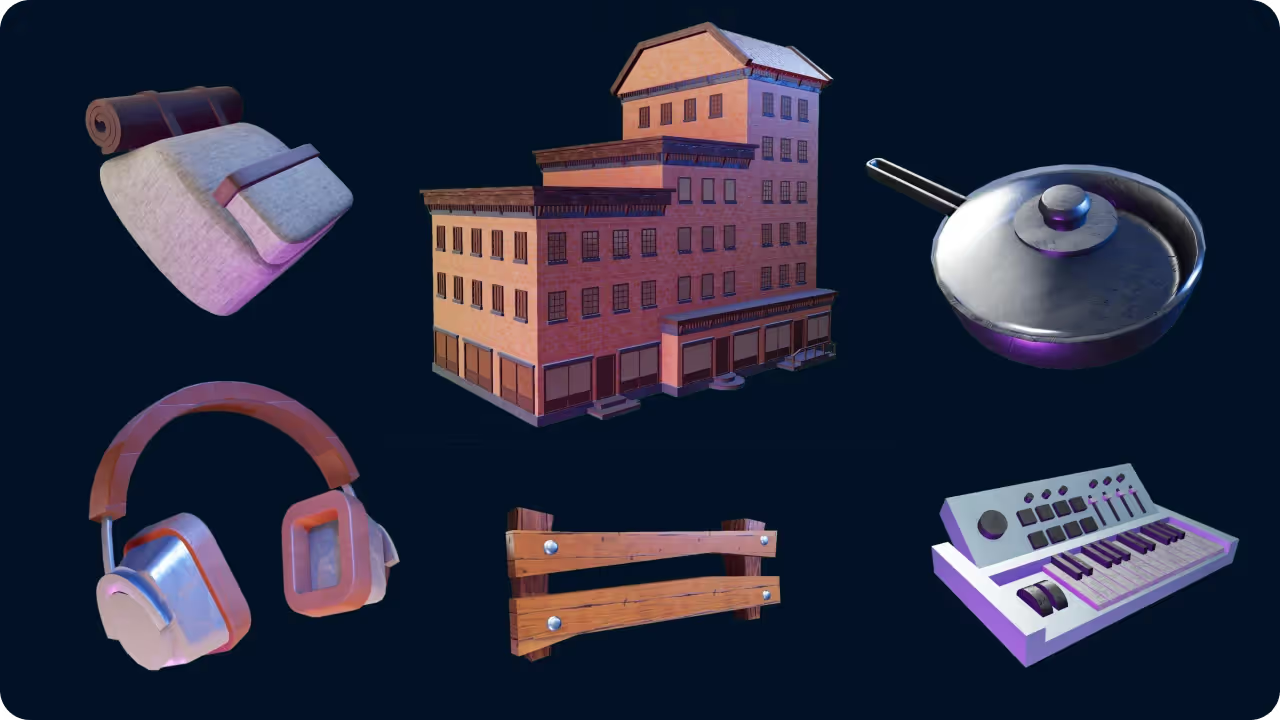
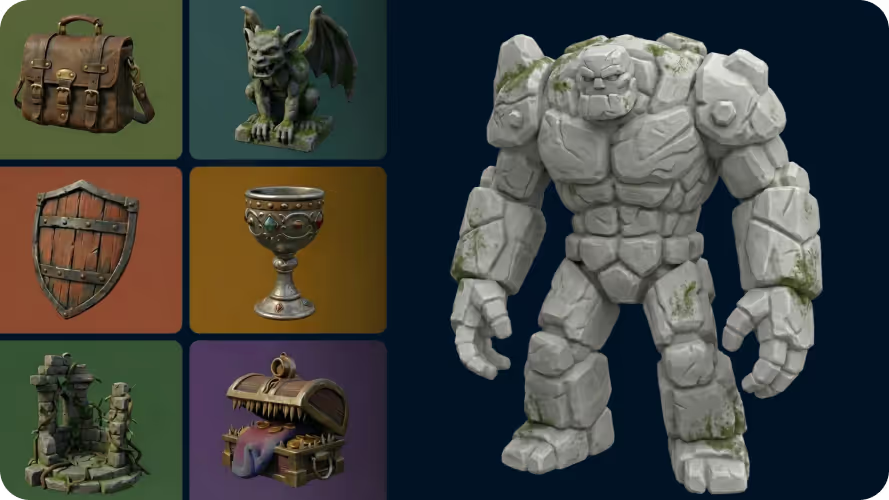
Intricate geometry details
Convert GLTF files to OBJ without losing geometry. Our pipeline preserves mesh details, vertex data, and structural fidelity.
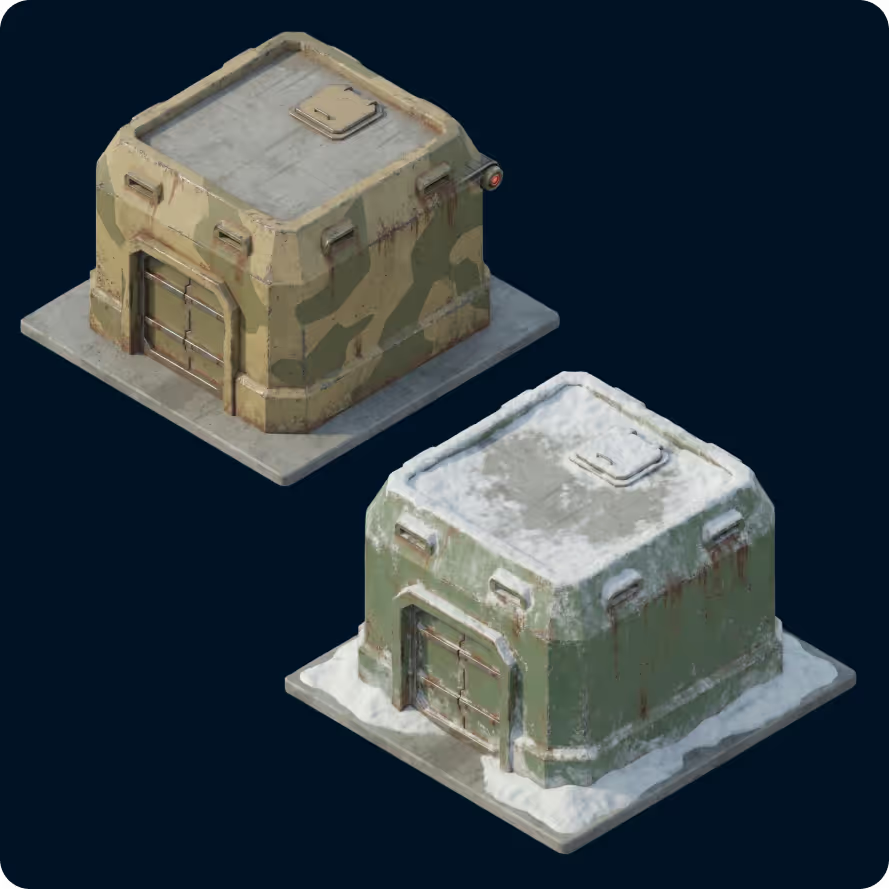
Optimized for OBJ workflows
OBJ is ideal for editing in Blender or Maya, sculpting, and general 3D pipelines. Every converted file is structured for that target use out of the box.
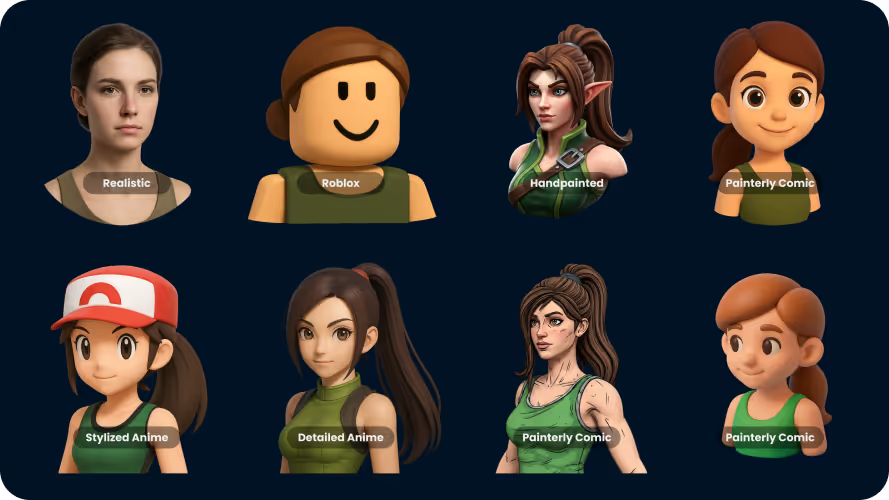
Universal Style Adaptation
Models from any source — sculpts, scans, hand-modeled assets — convert cleanly between GLTF and OBJ.
How to Convert GLTF to OBJ
- 1
Import a GLTF file
Open our converter and drag and drop your GLTF file into the upload zone. Files up to 200MB are supported.
- 2
Convert to OBJ
Hit Generate. The tool processes your file in seconds and produces a OBJ ready to download — no 3D software required.
- 3
Download your file
Once processing finishes, click Download to save your new OBJ file. Drop it straight into your game engine, slicer, or 3D editor.
Frequently Asked Questions
Which file formats are supported for conversion?
The converter supports common 3D and image formats including JPG, PNG, OBJ, FBX, STL, GLB, GLTF, USD, PLY, and BLEND where supported by the selected conversion pair.
How fast is the GLTF to OBJ conversion?
Standard files typically convert in under 1 minute. Highly complex or high-resolution inputs may take slightly longer.
How accurate is the AI conversion?
Accuracy depends on the source file or image clarity. Clean, well-lit images and structured 3D inputs convert best. We continue improving the conversion pipeline so details, textures, and geometry transfer more reliably over time.
What kind of GLTF files can I convert?
GLTF files of any size up to 200MB are supported, including textured meshes and multi-object scenes.
Is my data secure?
Yes. We use top-tier cloud infrastructure and process files privately. Files are not shared or used to train models.
How are textures handled in the OBJ output?
Embedded textures are transferred whenever the target format supports them (GLB, FBX). External texture files may require manual re-linking depending on your downstream software.
Does this tool work on mobile?
Yes. The converter runs entirely in the cloud and works on any modern browser — Mac, Windows, Linux, iOS, and Android.
Is the converter free?
Guests can convert and view 1 3D model every day. For unlimited conversions and downloads, sign up for a paid plan.