Modelado 3D Procedural para Principiantes: Nodos de Geometría, Herramientas y Flujos de Trabajo
Descubre la generación procedural de activos 3D con esta guía para principiantes. Aprende técnicas, herramientas y flujos de trabajo para crear modelos escalables listos para juegos más rápido.
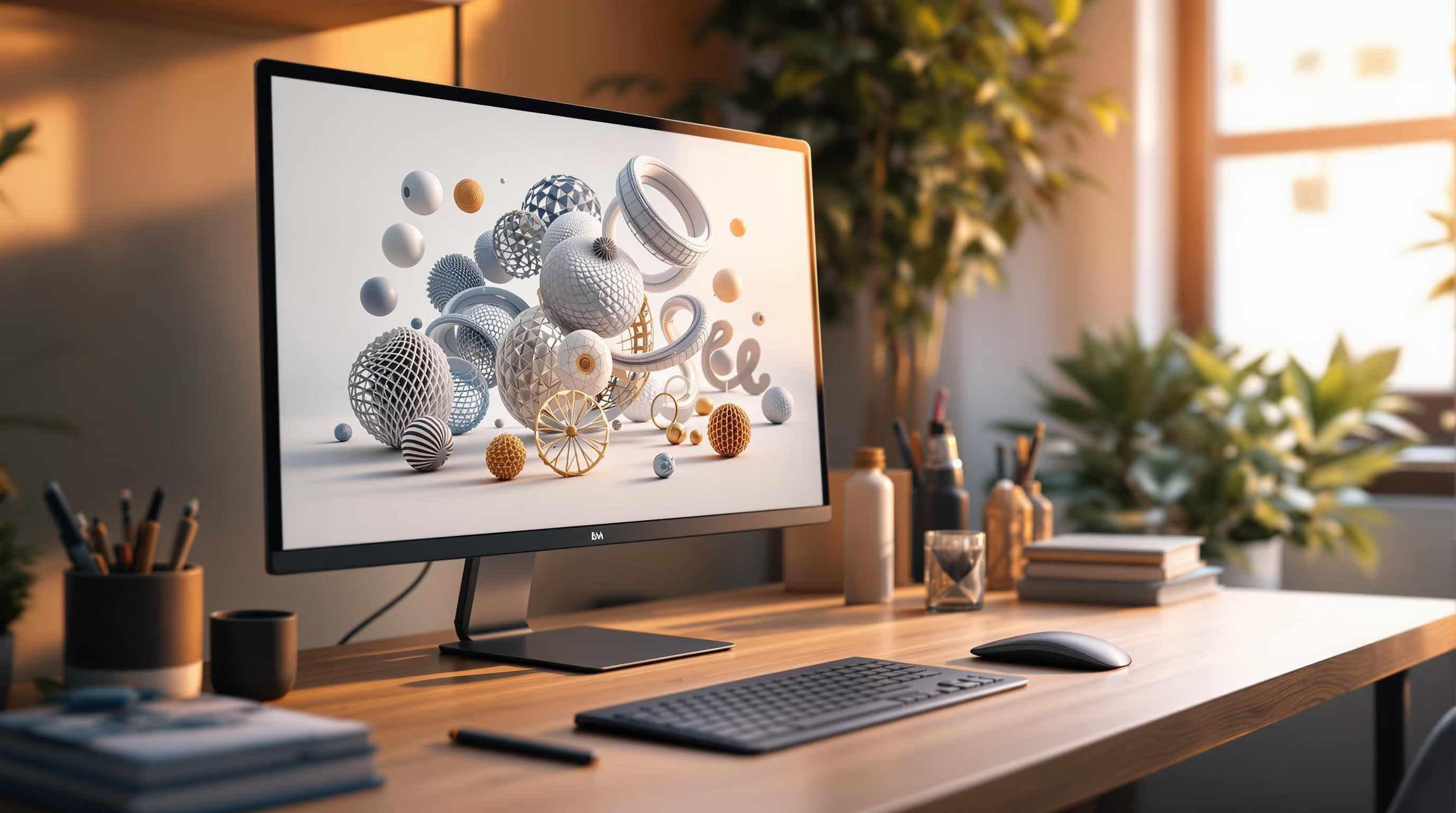
La generación procedural de activos 3D es como crear una receta para modelos 3D: tú estableces las reglas y el software hace el trabajo. Este método utiliza algoritmos para automatizar tareas repetitivas, ahorrando tiempo y esfuerzo mientras produce diseños flexibles y escalables. Es perfecto para principiantes que buscan crear paisajes naturales, edificios modulares o activos listos para juegos sin empezar desde cero.
Puntos Clave:
Comparación Rápida de Herramientas:
| Herramienta | Mejor para | Costo | Características |
|---|---|---|---|
| Blender | Principiantes | Gratis | Sistema basado en nodos, gran soporte |
| Sloyd | Creación rápida de activos | Gratis (limitado) | Impulsado por IA, resultados instantáneos |
| Houdini | Usuarios avanzados | Licencia de pago | Entornos complejos, efectos |
Empieza poco a poco: experimenta con terrenos sencillos en Blender o genera activos rápidos en Sloyd. La generación procedural es una habilidad poderosa que puede optimizar tu flujo de trabajo de modelado y abrir nuevas posibilidades creativas.
Nodos de Geometría para Principiantes Absolutos
Herramientas y Software para la Creación Procedural de Activos
Herramientas Populares para el Modelado Procedural
El mundo del modelado 3D procedural ofrece una gama de herramientas adecuadas para diferentes niveles de habilidad. Houdini es una opción principal para profesionales, reconocido por sus características avanzadas y su uso en la producción de cine y juegos. Aunque tiene una curva de aprendizaje más pronunciada, sobresale en la creación de entornos y efectos complejos.
Para principiantes, Blender es un excelente punto de partida. Es gratuito, cuenta con un fuerte apoyo de la comunidad e incluye el sistema Geometry Nodes. Este sistema utiliza una interfaz visual basada en nodos, lo que facilita a los recién llegados experimentar con el modelado procedural.
Sloyd incorpora el modelado procedural impulsado por IA. Permite a los usuarios diseñar rápidamente activos 3D listos para juegos utilizando cientos de plantillas procedurales prefabricadas. Puedes usar deslizadores para personalizar o simplemente escribir descripciones sencillas como "silla de madera" o "espada medieval". A diferencia de las herramientas tradicionales, se centra en la velocidad y la facilidad de uso, generando activos al instante.
Eligiendo la Herramienta Correcta para Tus Necesidades
Al decidirte por una herramienta de modelado procedural, piensa en factores como la curva de aprendizaje, el costo y las características. Aquí tienes una comparación rápida:
| Factor | Opción para Principiantes | Opción Avanzada |
|---|---|---|
| Curva de Aprendizaje | Blender, Sloyd | Houdini |
| Costo | Blender (Gratis), Sloyd (Nivel gratuito) | Houdini (Licencia profesional) |
| Características | Modelado básico, Interfaces visuales | Sistemas avanzados, Efectos complejos |
El enfoque impulsado por IA de Sloyd lo hace especialmente atractivo para quienes recién comienzan.
Cómo Sloyd Ayuda a los Principiantes a Crear Modelos 3D
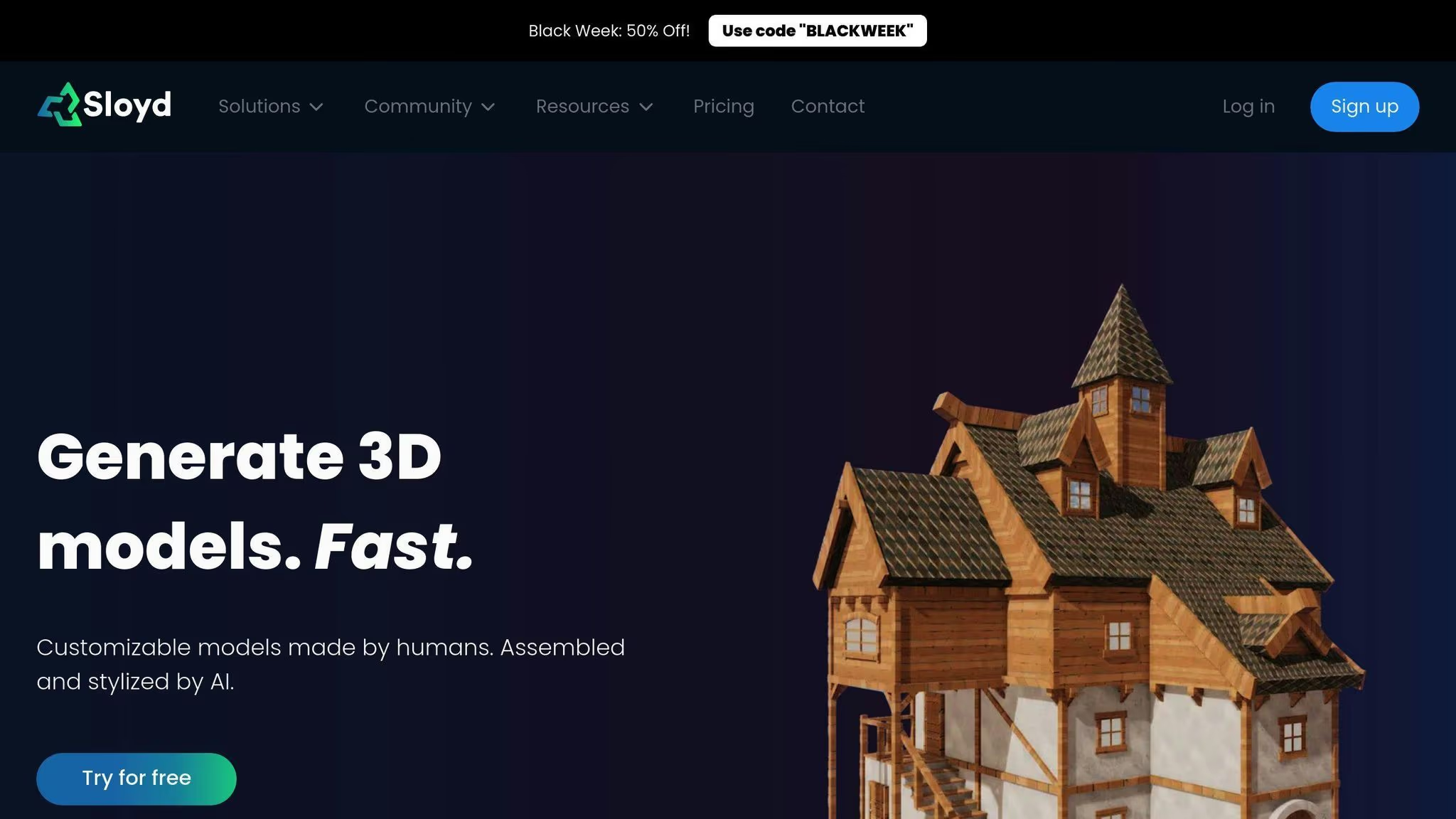
Sloyd simplifica el modelado procedural con su plataforma impulsada por IA, facilitando a los principiantes sumergirse. Las características clave incluyen:
Para los desarrolladores de videojuegos, el SDK y la API de Sloyd proporcionan herramientas para automatizar los flujos de trabajo de generación de activos. Como se señala en la documentación de la industria:
"El modelado procedural es una técnica poderosa en gráficos por computadora que utiliza algoritmos y reglas predefinidas para generar automáticamente modelos 3D y texturas".
Conceptos Clave en la Generación Procedural de Activos 3D
Cómo Funcionan el Diseño Basado en Reglas y el Diseño Paramétrico
El diseño basado en reglas y el diseño paramétrico forman la columna vertebral de la generación procedural de activos 3D. Piensa en ello como programar tu computadora con un conjunto de instrucciones para crear automáticamente diseños que pueden ajustarse en tiempo real. Por ejemplo, al diseñar un edificio, puedes establecer reglas que coloquen ventanas cada 3 metros verticalmente mientras te permiten ajustar parámetros como la altura, las propiedades del material o los detalles estructurales. Los parámetros clave incluyen:
Estos parámetros se pueden ajustar al instante, dándote flexibilidad para transformar tus modelos. Para hacer tus diseños más realistas, puedes añadir aleatoriedad controlada usando funciones de ruido.
Usando Funciones de Ruido y Geometría Fractal
Las funciones de ruido, especialmente el ruido de Perlin, son cruciales para añadir variaciones realistas a los modelos procedurales. Esta técnica se utiliza ampliamente para crear terrenos y texturas que se sienten naturales. Por ejemplo, muchos desarrolladores de Unity confían en el ruido de Perlin para sistemas de terreno dinámicos, generando paisajes con colinas, valles y otras características naturales.
La geometría fractal construye complejidad repitiendo patrones a través de diferentes escalas. Este método es particularmente útil para crear:
Con estas herramientas, puedes añadir profundidad y complejidad a tus modelos, haciéndolos visualmente ricos y detallados.
Fundamentos de la Generación Procedural de Mallas
La generación procedural de mallas automatiza la creación de modelos 3D definiendo vértices, aristas y triángulos. Este proceso implica operaciones que se superponen para formar formas intrincadas. Algunas operaciones comúnmente utilizadas incluyen:
Para formas orgánicas como árboles o plantas, los sistemas L son un método preferido. Estos sistemas aplican reglas simples repetidamente para generar modelos complejos y de aspecto natural. Este enfoque es especialmente útil para principiantes, ya que les permite crear modelos detallados sin diseñar manualmente cada aspecto.
Ejemplos y Flujos de Trabajo para Principiantes
Creando Modelos Procedurales Sencillos en Blender
Empezar con el modelado procedural en Blender implica dominar su sistema basado en nodos. Aquí tienes una guía rápida para crear un terreno procedural básico:
Comienza añadiendo una malla de plano. Aplica un modificador de Geometry Nodes, luego conecta un nodo de Noise Texture a un nodo de Displacement. Esta combinación forma la base de tu terreno procedural.
Para controlar la altura del terreno, enlaza la salida del ruido a un nodo de Math configurado en "Multiply". Las texturas de ruido añaden variaciones naturales, un elemento clave para terrenos realistas. Puedes ajustar la escala y los detalles del ruido para lograr el aspecto deseado.
Usando Sloyd para Generar Rápidamente Modelos 3D
Sloyd es una herramienta fantástica para principiantes, ofreciendo una manera fácil de crear activos 3D personalizables. Sus partes y plantillas hechas por humanos, junto con la personalización asistida por IA, pueden producir modelos listos para usar en juegos en poco tiempo.
| Característica | Beneficio | Caso de Uso |
|---|---|---|
| Prompts de Texto | Creación rápida de modelos | Diseñar accesorios o muebles básicos |
| Control de deslizadores y conmutadores | Fácil personalización | Modelos rápidos y únicos en tu estilo artístico |
| Generación en Tiempo Real | Resultados instantáneos | Acelerar la creación de prototipos |
| Salida Optimizada | Activos listos para juegos | Integración perfecta en motores de juegos |
Una vez que hayas generado tus activos, el siguiente paso implica prepararlos para su uso en motores de juegos.
Añadiendo Activos Procedurales a Motores de Juegos
Después de crear activos procedurales, el desafío radica en integrarlos eficazmente en los motores de juegos. Aquí tienes algunos pasos clave a seguir:
"La generación procedural en juegos como Minecraft demuestra cómo reglas simples pueden crear infinitas posibilidades manteniendo el rendimiento", explica un experto en desarrollo de videojuegos.
Consejos y Solución de Problemas para Principiantes
Mejorando el Rendimiento del Modelo
Para mejorar el rendimiento, concéntrate en gestionar el recuento de polígonos y usar herramientas de simplificación de mallas. Estas ayudan a mantener el atractivo visual de tus activos mientras controlan la complejidad. Técnicas como el desempaquetado UV eficiente y los sistemas de Nivel de Detalle (LOD) también son cruciales. Optimizan la memoria de textura y ajustan la calidad según la distancia de visualización, asegurando una experiencia más fluida.
| Área de Optimización | Métrica Objetivo | Impacto en el Rendimiento |
|---|---|---|
| Recuento de Polígonos | Menos de 10k para accesorios | Acelera el renderizado |
| Diseño UV | Uso de espacio UV 0-1 | Reduce el uso de memoria de textura |
| Niveles LOD | 3-4 variaciones de detalle | Equilibra calidad y eficiencia |
Si bien mejorar el rendimiento es esencial, los principiantes también deben ser conscientes de los errores comunes que pueden obstaculizar el progreso.
Evitando Errores Comunes de Principiantes
Comienza con reglas simples y añade complejidad gradualmente a medida que ganes experiencia. Por ejemplo, apilar demasiadas capas de ruido con detalles de alta frecuencia a menudo conduce a resultados caóticos y dificulta la gestión de tu trabajo. Sobrecargar estas capas también puede ralentizar tu flujo de trabajo y producir resultados impredecibles.
Presta mucha atención a la configuración de los parámetros. Apégate a los valores predeterminados al principio, luego haz pequeños ajustes deliberados mientras observas sus efectos. Mantén un registro de tus cambios; esto facilita identificar qué funciona y qué no.
Afortunadamente, las herramientas de IA pueden ayudar a simplificar estos desafíos y hacer que el modelado procedural sea más accesible.
Usando Herramientas de IA para Simplificar el Proceso
Las herramientas de IA han cambiado la forma en que se crean los activos procedurales. Sloyd es un gran ejemplo, ofreciendo una interfaz fácil de usar y plantillas preconstruidas que reducen significativamente la curva de aprendizaje. Sus funciones de generación en tiempo real te permiten experimentar rápidamente con diferentes configuraciones. Puedes exportar estos activos para un mayor refinamiento en herramientas como Blender o importarlos directamente a motores de juegos.
Al trabajar con herramientas de IA, concéntrate en:
Estos enfoques pueden ayudarte a optimizar tu flujo de trabajo y evitar complicaciones innecesarias.
Resumen y Próximos Pasos
Lo que Aprendiste de Esta Guía
En esta guía, has explorado cómo la generación procedural de activos 3D puede mejorar tu flujo de trabajo. Has adquirido una comprensión de la generación basada en reglas, el diseño paramétrico y cómo herramientas como Blender y Houdini pueden simplificar tareas de modelado complejas. La generación procedural destaca por su capacidad para crear activos 3D flexibles y conscientes de los recursos.
Hemos cubierto áreas clave, desde la generación básica de mallas hasta la optimización del rendimiento. También has visto cómo herramientas de IA como Sloyd pueden acelerar la creación de activos y has aprendido sobre la importancia de configurar correctamente los parámetros y ajustar las técnicas de optimización.
| Área de Habilidad | Lo que Aprendiste | Aplicación Práctica |
|---|---|---|
| Habilidades Clave | Diseño basado en reglas, modelado paramétrico, funciones de ruido, geometría fractal | Creación de formas orgánicas y activos modulares |
| Optimización | Complejidad de malla, sistemas LOD | Mejora del rendimiento |
Estas técnicas van más allá de los videojuegos, encontrando uso en campos como la visualización arquitectónica, la producción cinematográfica y el diseño industrial. Para inspirarte, mira ejemplos como No Man's Sky, que muestra cómo los métodos procedurales pueden crear entornos expansivos y diversos a gran escala.
Con estos fundamentos establecidos, estás listo para expandir tus habilidades aún más.
Cómo Seguir Aprendiendo Generación Procedural
Para avanzar en tu experiencia, interactúa con comunidades profesionales y aplica lo que has aprendido a proyectos prácticos.
Conéctate con Comunidades Profesionales
Aplica Técnicas Procedurales
Comienza con proyectos pequeños y enfocados que aborden desafíos específicos en tu flujo de trabajo. Por ejemplo, intenta crear elementos arquitectónicos básicos o entornos naturales. Este tipo de proyectos son excelentes para practicar métodos procedurales mientras construyes tu portafolio. A medida que ganes confianza, experimenta mezclando técnicas de modelado procedural y tradicional para lograr resultados más complejos.